
This guide describes how to get started with mobile push notifications and provides helpful troubleshooting tips to help you resolve common issues.
Push notifications
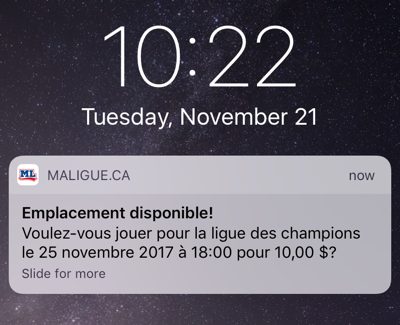
Mobile push notifications offer you the best experience, and are a great way to never miss a game. Since they are even faster than SMS, you will have a better chance of getting the available space in the next game you want to play.
Getting started
Once you have your League2GO account, download our app


Sign in, and continue, tap allow in additional popups.
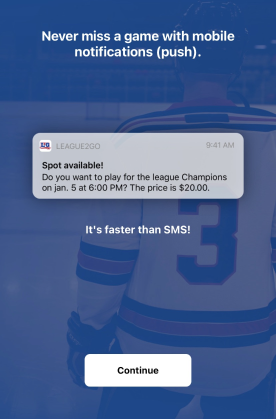
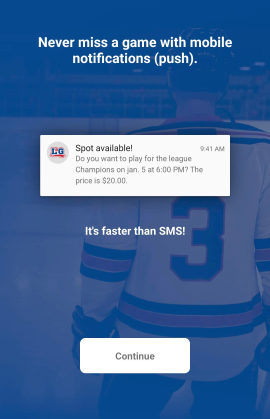
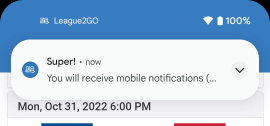
Then you will receive a confirmation push notification on your device
Troubleshooting
If you are having issues with push notifications try the following:
- Send a test push via your profile (see below)
- Double check your device settings and the League2GO notification settings
- Do you have do not disturb on? Do you have scheduled digests on? Add the League2GO app as an exception.
- Did you log out? You need to stay logged in to receive push notifications for your account.
- Do you have wifi or data turned on? You need to stay connected to the internet. If you are disconnected you will receive push notifications when you reconnect.
I received the email “Your mobile notifications no longer work”
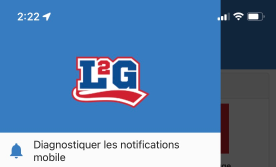
If you received an email from us informing you that your push notifications no longer work, open the app and look for “diagnose push notifications” at the top of the menu.
Sending a test push
If you suspect push notifications are not working, you can send yourself a test notification.
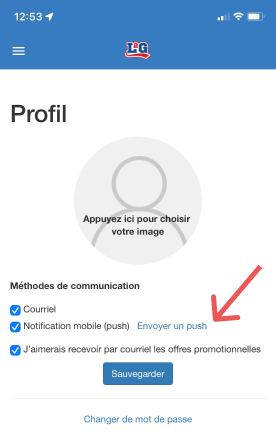
- In the app, open the menu, and go to your profile
- Scroll to the bottom to “Send a push”
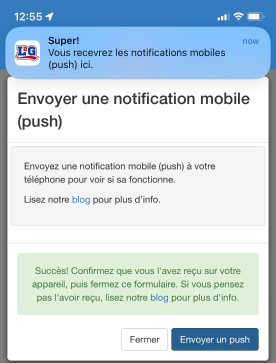
- Open the “Send a push” popup and send yourself a push.
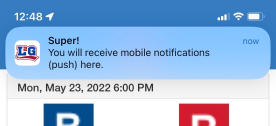
Then you will receive a confirmation push notification on your device.
Last resort
As a last resort, uninstall and re-install the League2GO app. At login, activate push notifications, and you will receive a confirmation push notification on your device.
Questions? Contact us at info@league2go.com.