
League2GO gives managers two ways to communicate: messages you send to a chosen group of players, and an in-app chat for ongoing conversation. This guide covers both.
Sending a message
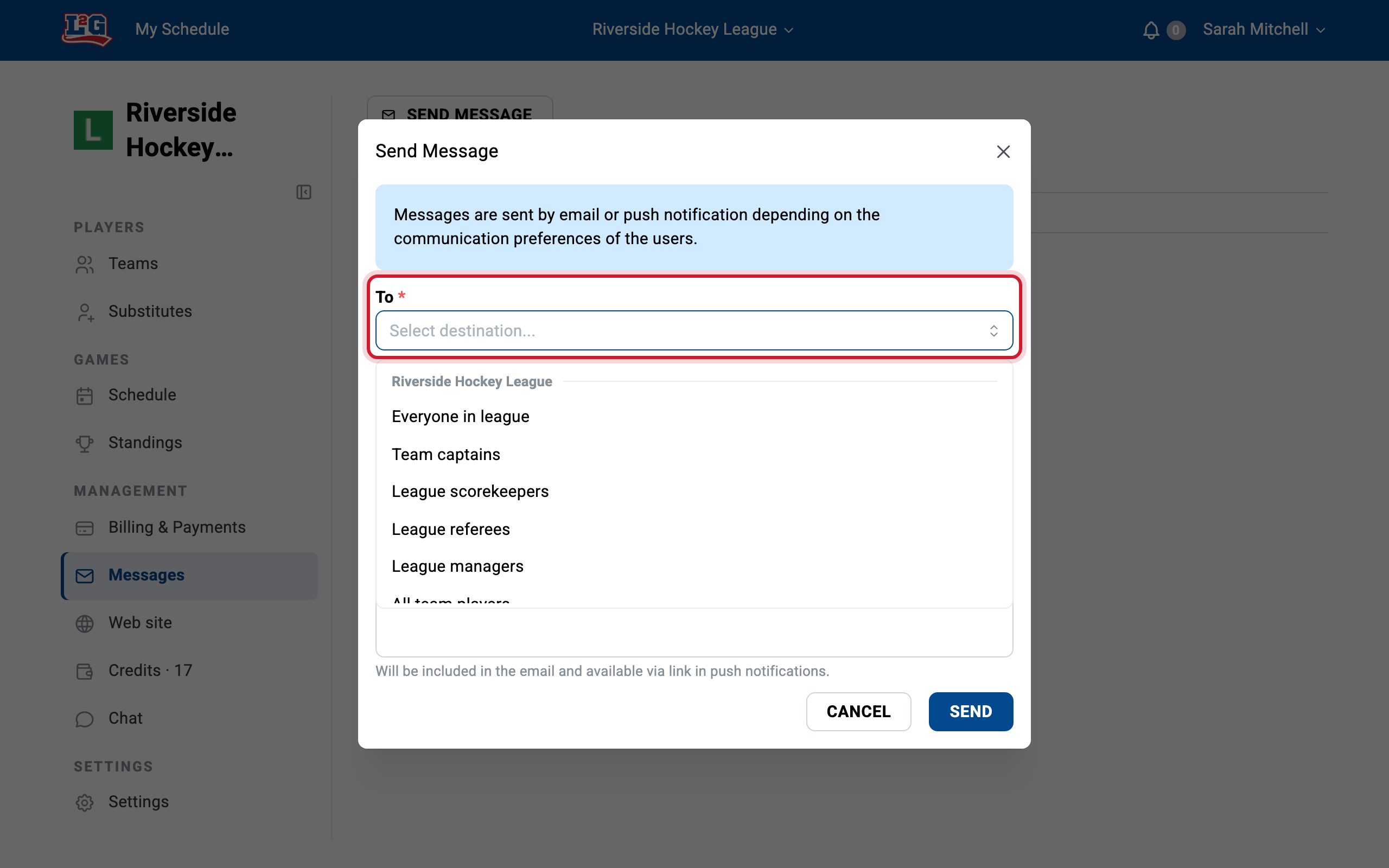
To send a message, open your league and go to More > Messages. Write your message, select the recipients, and send. No mailing list or individual texting needed. You can address:
- The whole league: for example a rule change or an end-of-season announcement.
- A team: information relevant to one roster only.
- The players of a game: ideal for a venue change or a cancellation notice for that game.
How players receive messages
Players are reached according to their own notification preferences: email, push notification or SMS.
- Email includes the complete content of the message.
- Push notifications and SMS carry the title only, with a link to read the full message.
- When a player signs in with an unread message waiting, a notification badge appears on their Messages menu, where they can read their recent messages.
If a player says they didn’t get your message, have them check their notification preferences and spam folder. See notifications and reminders and mobile notifications.
In-app chat
Besides one-way messages, League2GO offers a chat where players can talk with each other in the app.
- Admins choose the chat scope in Settings > Instant messaging: Chat for the league, Chat for teams, or both.
- Messages can include text and pictures.
For automated communication (game reminders, absence and substitution notices), see notifications and reminders.
Questions? Contact us at info@league2go.com.